Free
Featured
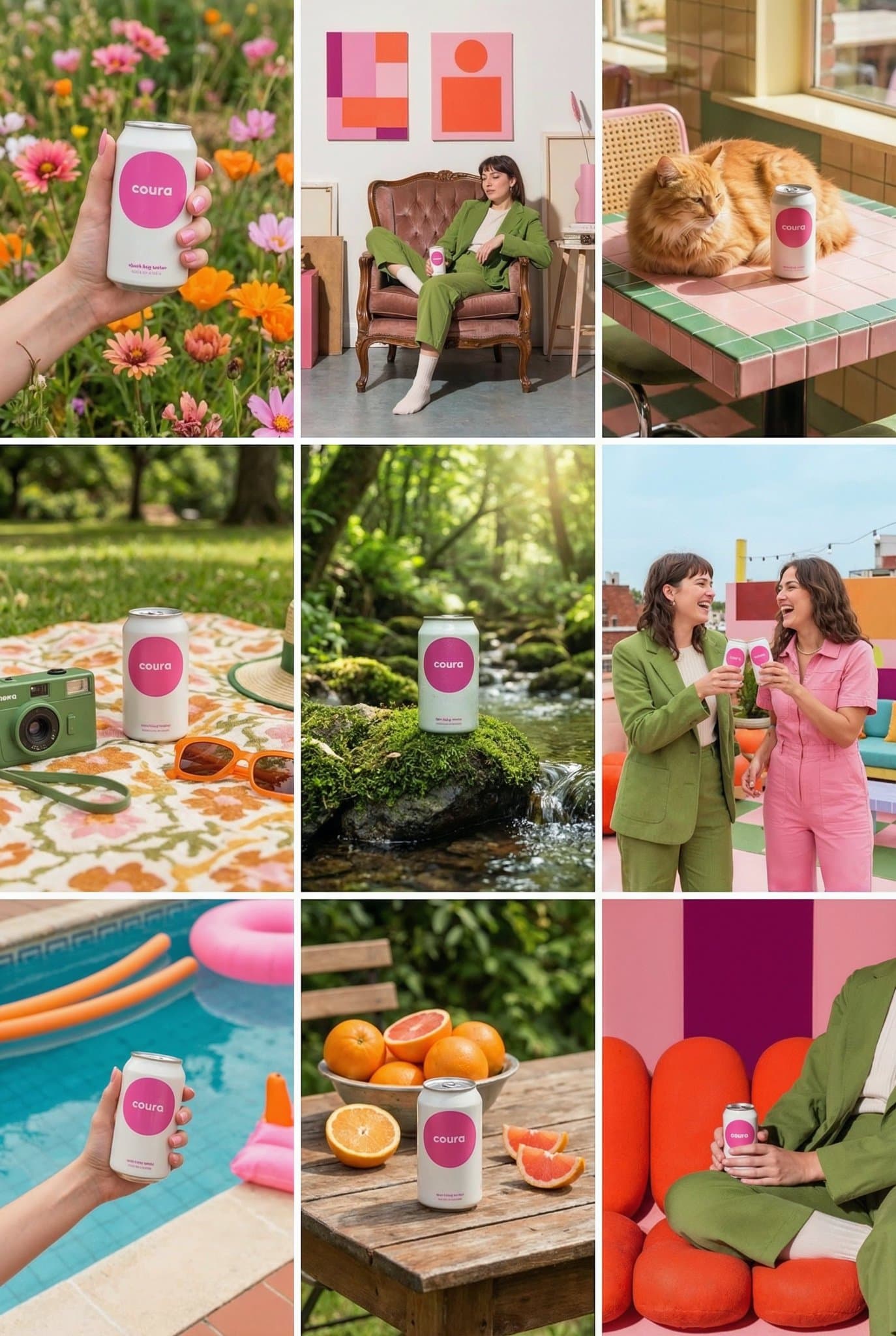
9-Panel Instagram Feed Generator
Create a 9-image Instagram feed for this product in the same aesthetic. Use different locations, angles, and compositions, incorporating people, anima...
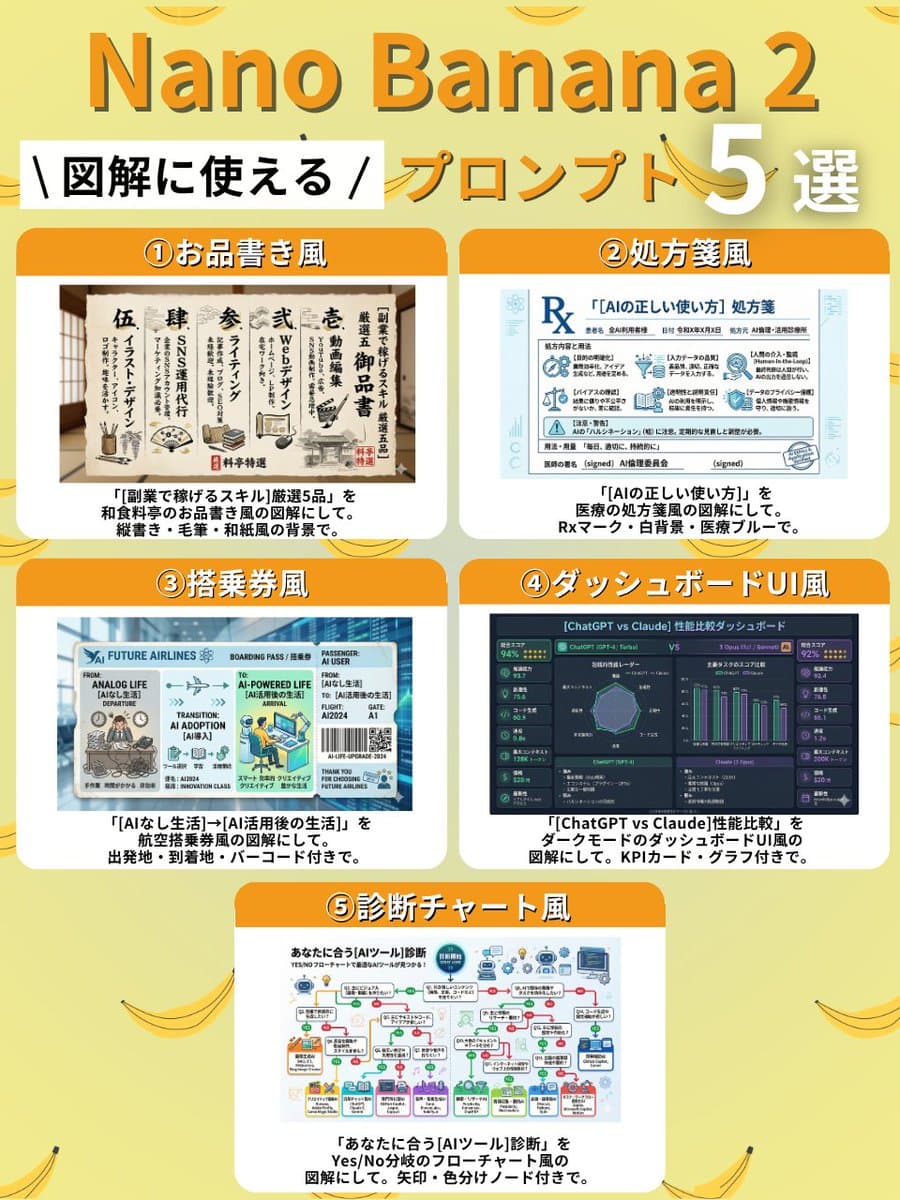
A set of five style templates for generating stable, structured diagrams using Nano Banana 2. Users can replace the content within brackets to create different types of visual aids, such as menu-style lists, prescription forms, boarding passes, dashboard UIs, and diagnostic flowcharts.
Prompts are written in English: image generation models produce noticeably better results with English instructions. Copy it as-is.
① Menu Style
Create a diagram of "5 selected {argument name="side job skills" default="skills to earn money with side jobs"}" in the style of a Japanese restaurant menu. Use vertical writing, brush strokes, and a Japanese paper-like background.

② Prescription Style
Create a diagram of "{argument name="AI usage" default="correct way to use AI"}" in the style of a medical prescription. Include an Rx mark, white background, and medical blue color.

③ Boarding Pass Style
Create a diagram of "{argument name="departure point" default="life without AI"} → {argument name="destination" default="life after AI utilization"}" in the style of an airline boarding pass. Include departure point, destination, and a barcode.

④ Dashboard UI Style
Create a diagram comparing the performance of "{argument name="comparison subjects" default="ChatGPT vs Claude"}" in the style of a dark mode dashboard UI. Include KPI cards and graphs.

⑤ Diagnosis Chart Style
Create a diagnosis chart for "{argument name="AI tool" default="AI tool"}" that suits you, in the style of a Yes/No branching flowchart. Include arrows and color-coded nodes.Create a 9-image Instagram feed for this product in the same aesthetic. Use different locations, angles, and compositions, incorporating people, anima...
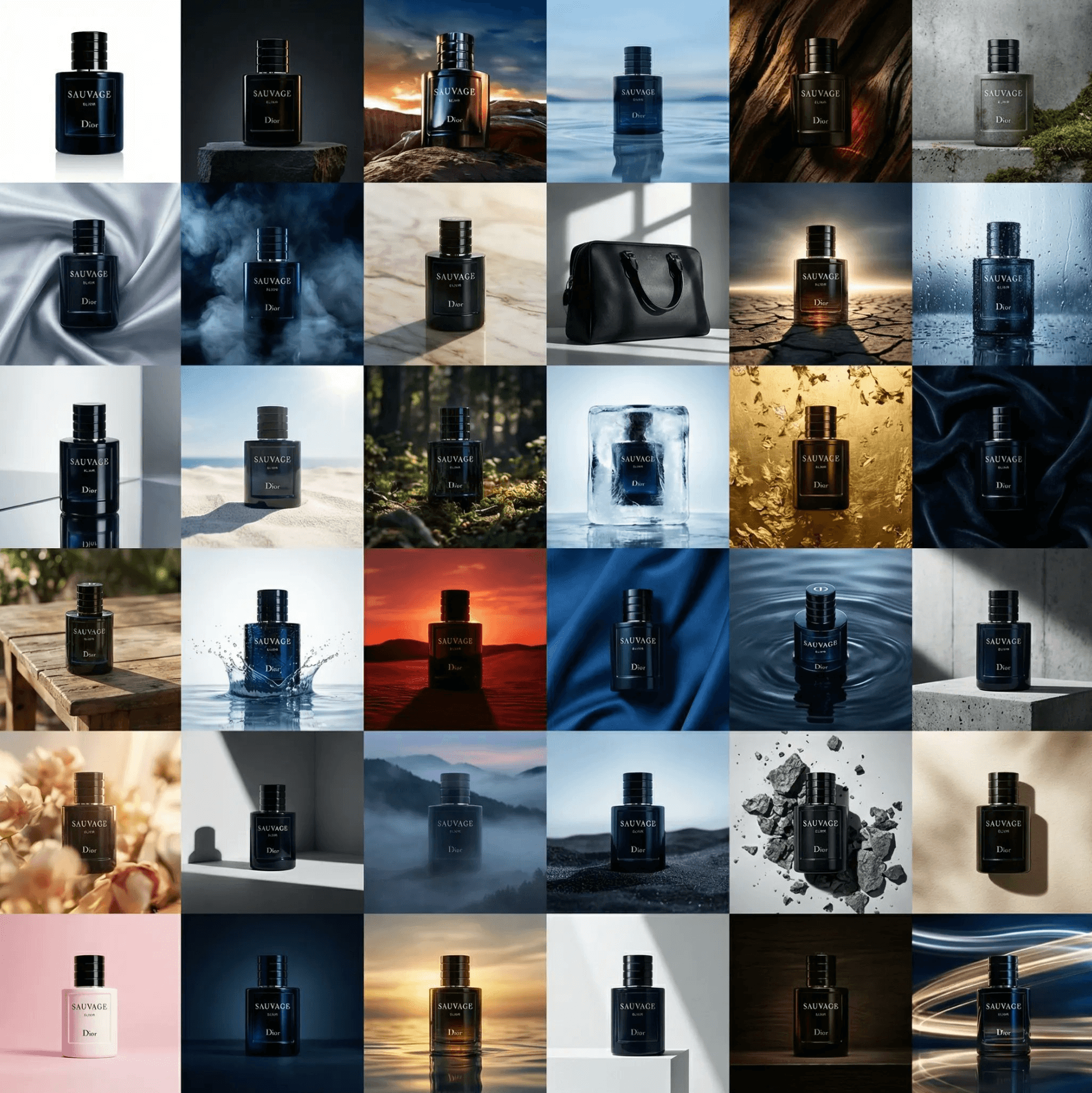
"Generate a 6x6 grid showing 36 unique variations of this product. Experiment wildly with color palettes environments (studio, lifestyle, minimal, tex...
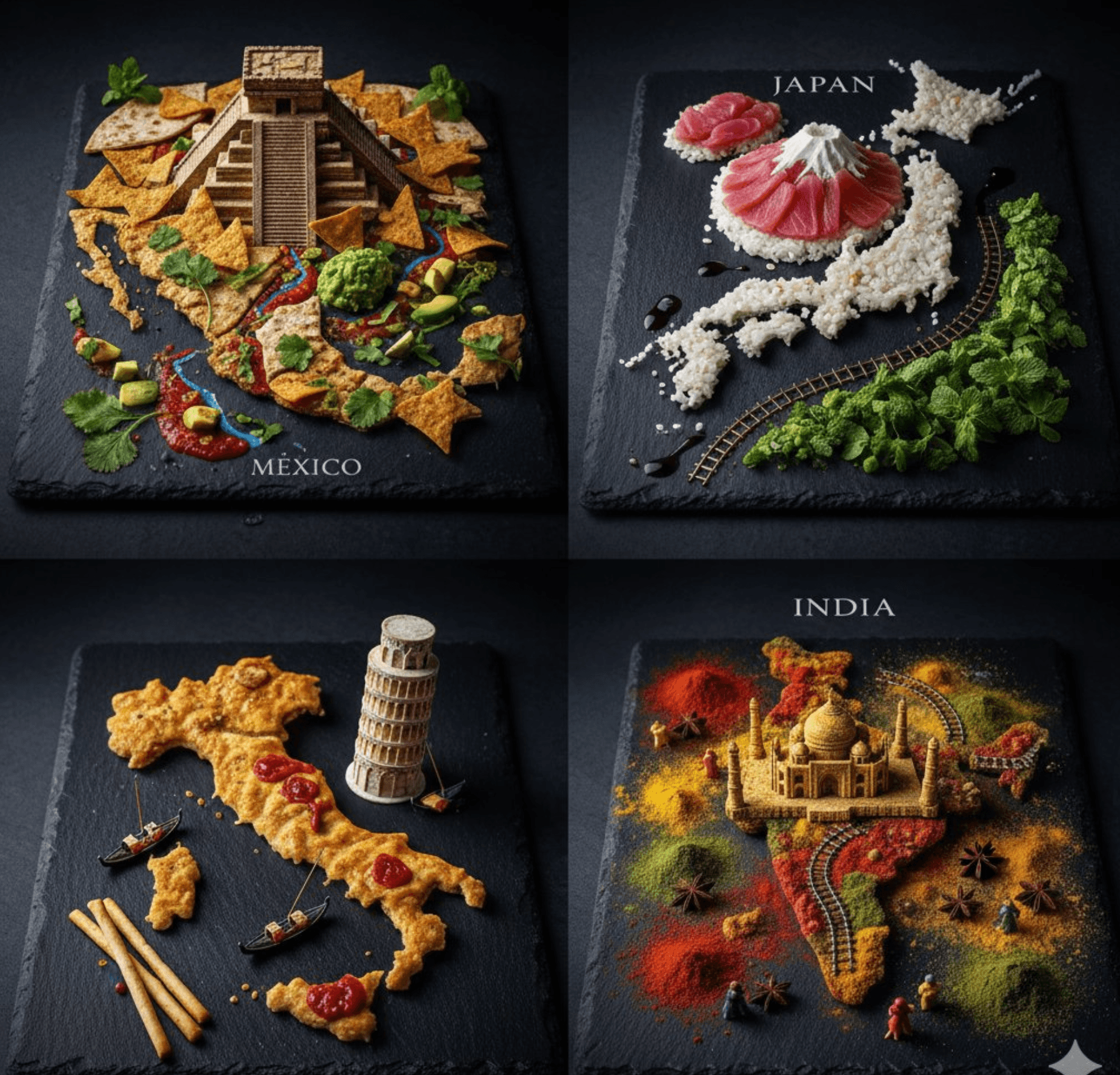
A 2x2 grid of countries recreated entirely from their national dishes [Top Left: Mexico; tortilla-landscape map Chichén Itzá pyramid built from stacke...
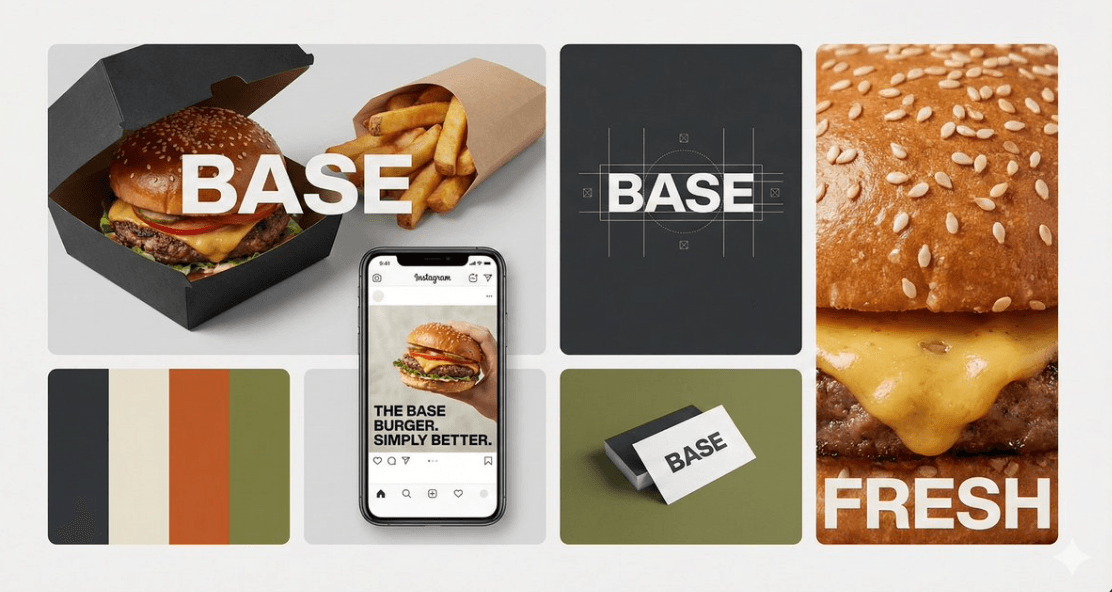
"A professional brand identity bento-grid showcase for a brand named "{BRAND_NAME}" ({INDUSTRY}). The image is split into a cohesive layout of rectang...